

When you book a cleaning, an account is created for you. Log in anytime to see your visits, make a change, or update your card. It only takes a minute.
How to log in
- Tap the button above, or choose Login in our menu. You’ll land on the Sign In page shown here.
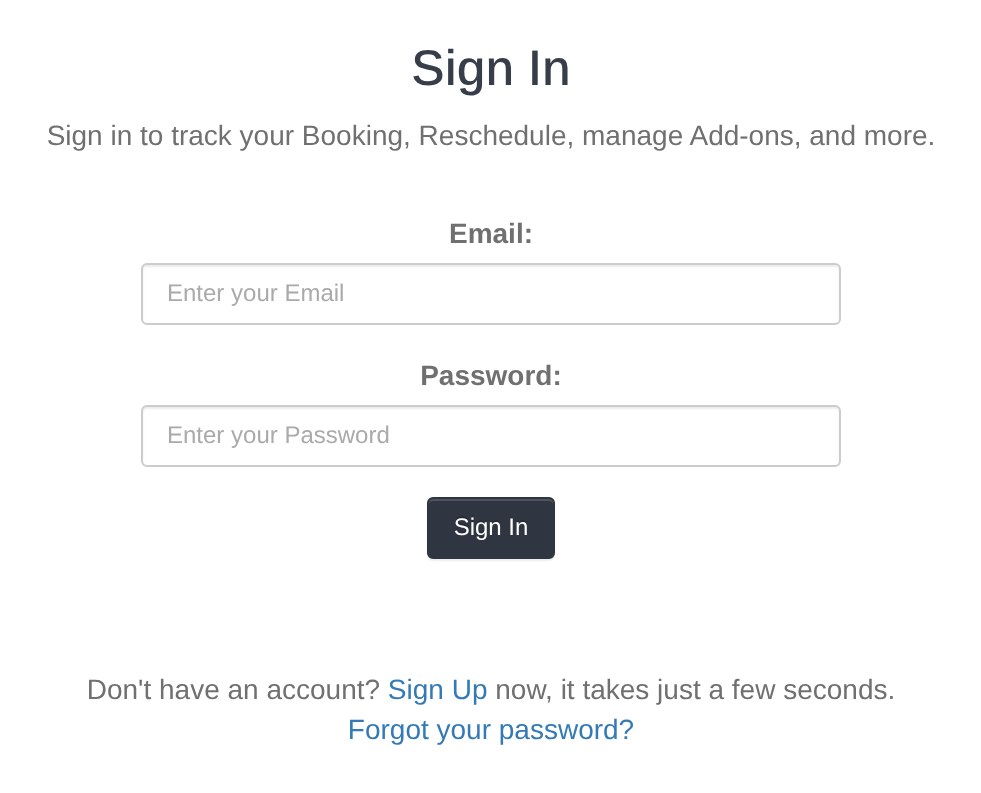
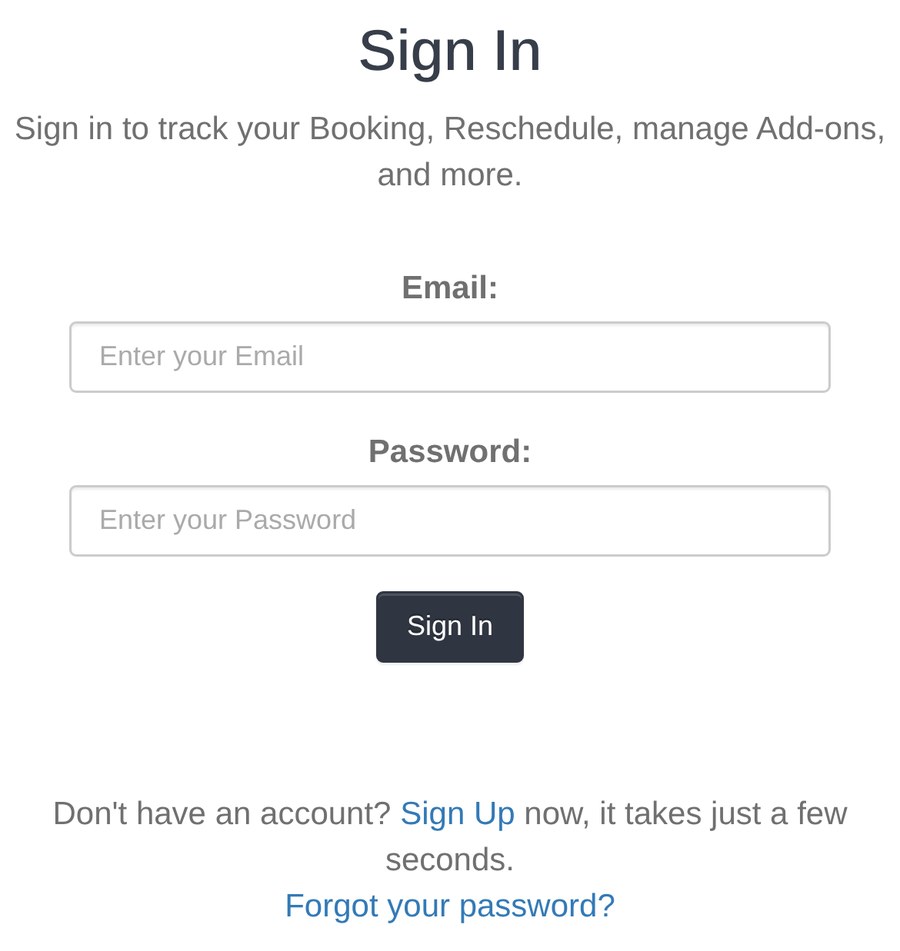 This is the real Sign In page you’ll see after you tap Log in.
- Enter the email you used to book and your password, then tap Sign In.
Forgot your password?
- On the Sign In page, tap Forgot your password?
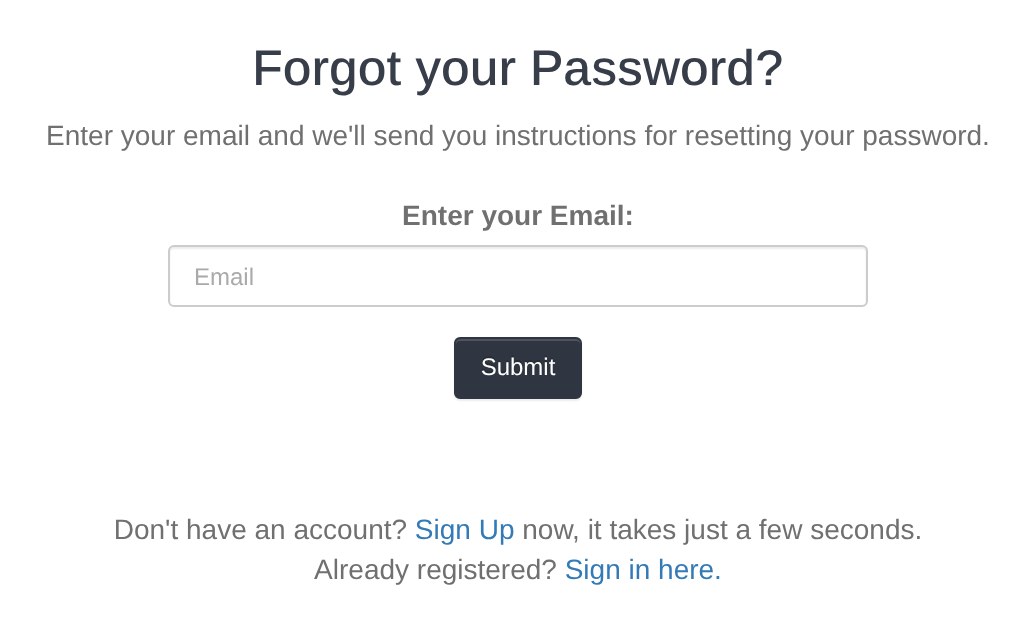
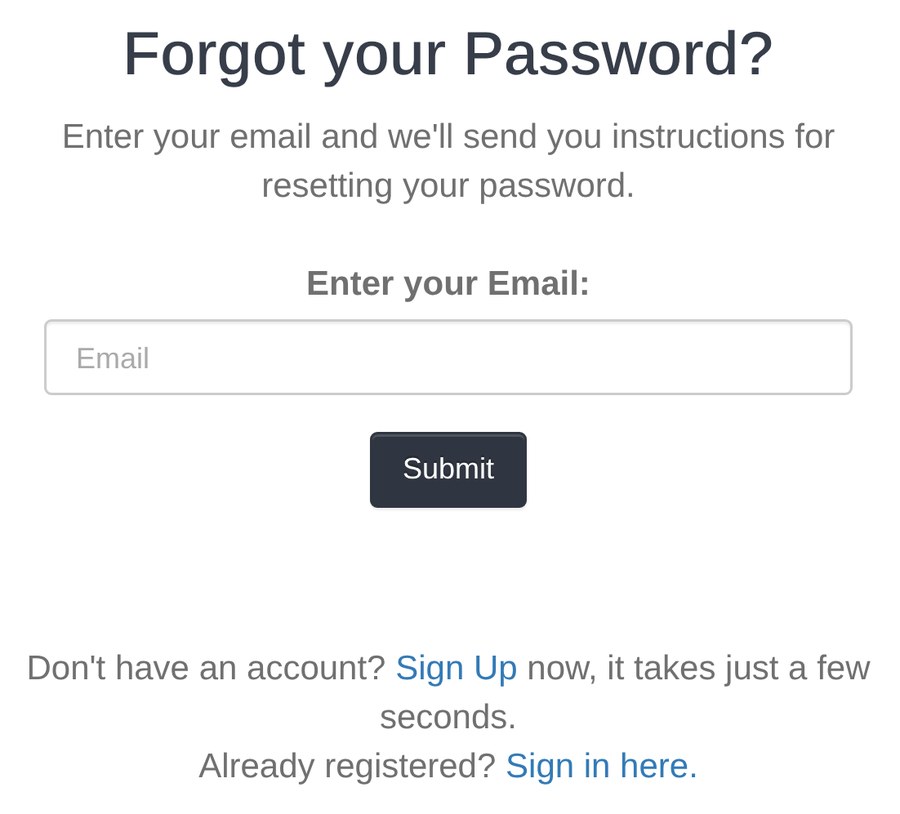
- Enter your email and tap Submit. You’ll get an email with instructions to set a new password. If you don’t see it, check your junk folder.
First time logging in?
After you book, an account is created for you. Check your email to confirm your account and set a password, then come back and sign in. You can also create an account first by tapping Sign Up on the Sign In page — it takes just a few seconds.
If you never set a password, use Forgot your password? or call us and we’ll help.
What you can do
- View your upcoming and past bookings
- Reschedule the date or time
- Cancel a visit, or a recurring series
- Change extras, add-ons, or how often we come
- Update the address on an upcoming booking
- Update the card on file
- Add a tip
- Book again, or add a new booking
Canceling or rescheduling
Please give us at least 48 hours’ notice to cancel or reschedule. If notice is less than 48 hours, there is a $50 late reschedule fee or a $150 late cancellation fee. You can make the change in your account, or call us at (951) 356-6407.
Need help?
Call or text us — we’re happy to walk you through it, or make the change for you.

